Quick Answer
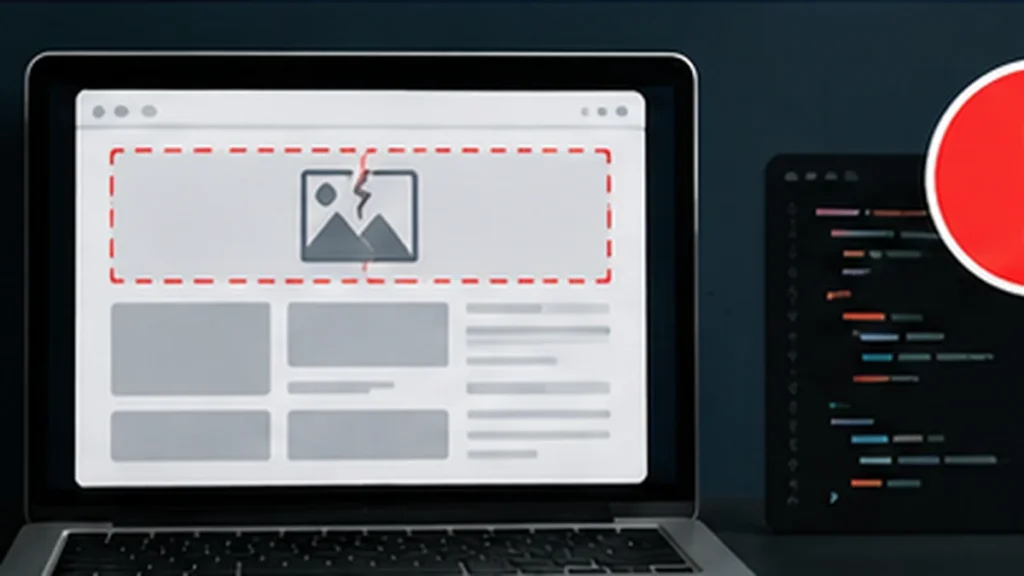
Yes. A screenshot can be surprisingly useful for debugging visible website problems.
We used screenshots to show issues such as misplaced text, broken spacing, image sizing and layout behavior. AI could often infer which part of the HTML or CSS was likely responsible and suggest a focused fix.
But a screenshot shows the symptom, not necessarily the cause.
The best results came when we combined the screenshot with the relevant code and a clear description of what the page should look like.
Why Screenshots Help
Website problems are often difficult to describe precisely.
“The text at the top looks wrong” leaves a lot open to interpretation.
A screenshot immediately shows:
where the problem is;
what nearby elements are doing;
how large the error appears;
and whether the issue looks like spacing, positioning, sizing or overlap.
That can dramatically reduce the initial guessing.
We Used This on Real Website Problems
During website work, we encountered pages where images were not displaying correctly and top-of-page text or buttons were misaligned.
Showing the actual page made troubleshooting much faster than trying to describe every visual detail.
AI could inspect the visible relationship among the elements and then focus attention on likely CSS or markup causes.
The Screenshot Is Not the DOM
A screenshot cannot tell us everything.
It may not reveal:
which CSS selector is winning;
whether a script changed the layout;
the exact computed dimensions;
a hidden element;
a failed network request;
or whether the same component is broken on another viewport.
So visual diagnosis is often the first narrowing step, not the final proof.
The Best Debugging Package
When available, we provide:
the screenshot;
the relevant HTML;
the relevant CSS or script;
the expected behavior;
the viewport or device;
and any console/error information.
Now the AI has both visual evidence and implementation evidence.
Why This Can Be Faster Than Code Alone
A large stylesheet can contain many technically plausible causes.
The screenshot helps prioritize them.
If the visible issue is a button overlapping a heading only on mobile, we can focus on responsive rules rather than inspecting unrelated desktop styles.
That makes AI especially useful as a troubleshooting partner.
Test the Fix, Not the Explanation
The proposed cause can still be wrong.
A convincing explanation is not verification.
After making the change, reload the page and inspect the actual result — including related pages or viewports if the changed code is shared.
Worthy Trying Verdict
Can AI debug visible website issues from screenshots? Yes
Is a screenshot always enough? No
Best combination: Screenshot + relevant code + expected result
Main risk: Correctly identifying the symptom but guessing the root cause
Human oversight: Medium
The lesson: Screenshots turn vague visual bugs into evidence, but the code and the running website still decide whether the diagnosis was right.